
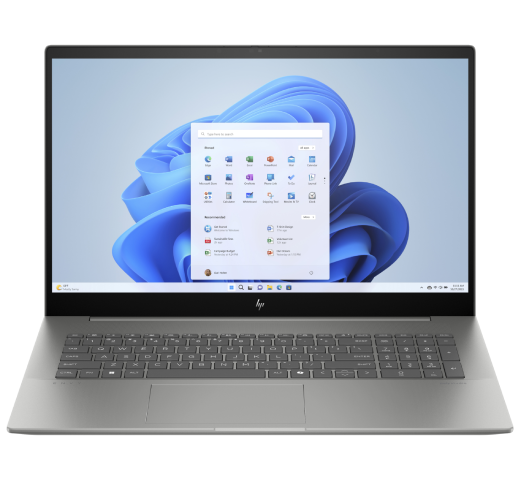
A gaming PC is more than just a computer. For many users, it’s a significant investment used for gaming, streaming, content creation, video editing and everyday performance-intensive tasks.
When a gaming PC develops a fault, performance can quickly suffer. Frame rate drops, overheating, crashes and boot failures can make even high-end systems frustrating to use.
At Archway Tech Repairs, we provide professional gaming PC repair services for customers across London. Whether you own a custom-built system or a pre-built gaming PC, our technicians can diagnose hardware and software issues and recommend practical repair solutions.
From GPU faults and overheating problems to power issues and upgrade services, we help keep gaming systems running reliably.
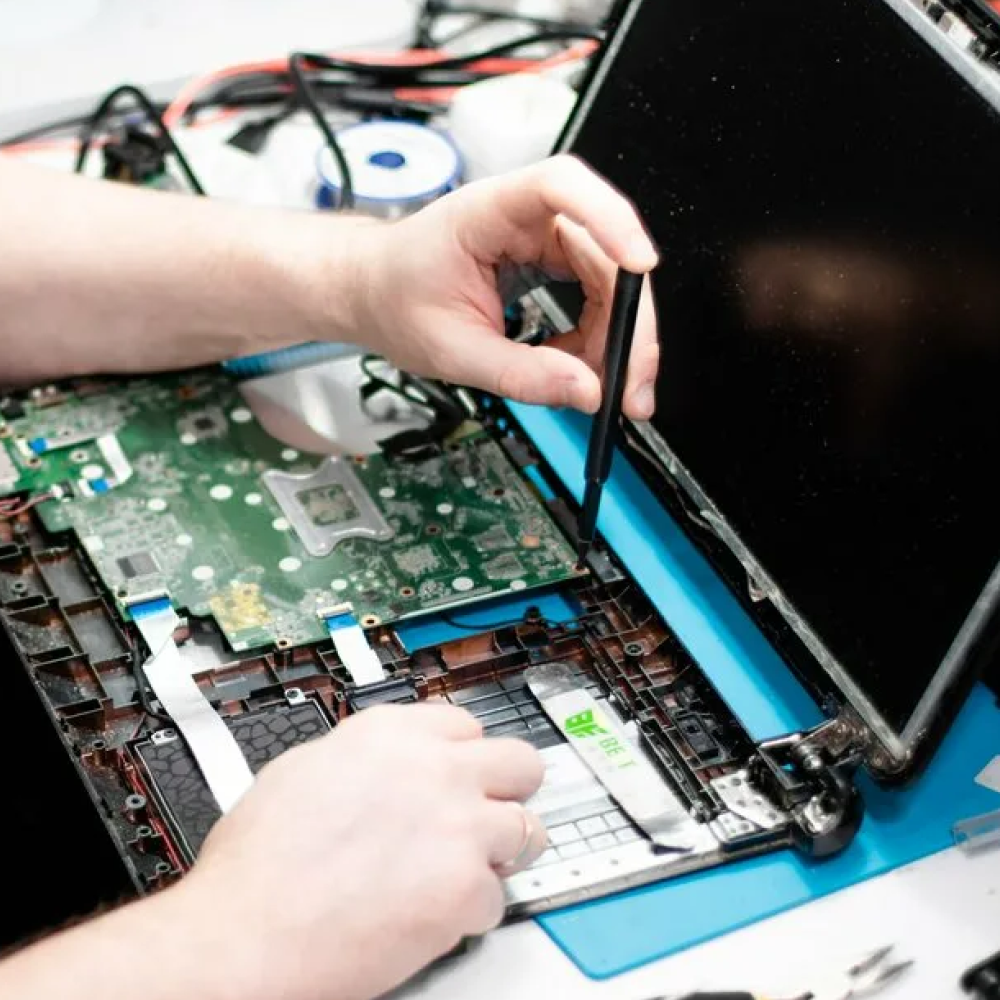
Common Signs Your Gaming PC Needs Repair
Gaming PCs often show warning signs before a major failure occurs.
Common symptoms include:
- FPS drops during gaming
- Random crashes
- Blue screen errors
- Overheating
- Loud fan noise
- System freezing
- PC not turning on
- Display issues
- Unexpected restarts
- Slow performance
Identifying these issues early can help prevent further hardware damage and improve system reliability.
Gaming PC Not Turning On
One of the most common issues we diagnose is a gaming PC that refuses to power on.
Potential causes include:
- Power supply failure
- Motherboard faults
- Faulty RAM
- CPU issues
- Power connection problems
Many customers assume their system is beyond repair when the issue may be limited to a single component.
Professional diagnostics help identify the exact cause before unnecessary replacements are considered.
Gaming PC Overheating
Modern gaming hardware generates significant heat.
If cooling systems are not functioning properly, temperatures can rise quickly and affect performance.
Common overheating symptoms include:
- FPS drops
- Loud fans
- Thermal throttling
- Unexpected shutdowns
- High CPU temperatures
- High GPU temperatures
Causes may include:
- Dust build-up
- Faulty cooling systems
- Worn thermal paste
- Poor airflow
- Failing fans
Addressing overheating early helps protect expensive components and improve long-term reliability.
Graphics Card Problems
The graphics card is one of the most important components in a gaming PC.
GPU-related issues may cause:
- No display output
- Screen artefacts
- Game crashes
- Driver errors
- Performance drops
- Random black screens
Because graphics cards represent a significant investment, professional diagnosis can help determine whether repair, replacement or optimisation is the most practical solution.
Blue Screen Errors & System Crashes
Blue screen errors are often frustrating because the cause is not always obvious.
Potential causes include:
- RAM faults
- Driver conflicts
- Storage failures
- GPU problems
- Motherboard issues
A diagnostic assessment helps identify the root cause rather than guessing which component is responsible.
Slow Gaming Performance
Many gamers contact us because their system no longer performs as it once did.
Performance issues can be caused by:
- Hardware degradation
- Thermal throttling
- Insufficient memory
- Storage bottlenecks
- Driver issues
- Background software conflicts
Optimisation and hardware upgrades can often restore performance without replacing the entire system.
Gaming PC Upgrade Services
Upgrading a gaming PC is often more cost-effective than replacing it.
We assist with:
SSD Upgrades
Benefits include:
- Faster boot times
- Faster game loading
- Improved responsiveness
- Better overall performance
RAM Upgrades
Additional memory can improve:
- Multitasking
- Streaming
- Content creation
- Gaming performance
Graphics Card Upgrades
GPU upgrades can improve:
- Frame rates
- Visual quality
- Ray tracing performance
- Future game compatibility
Cooling System Improvements
Improved cooling can:
- Reduce temperatures
- Lower fan noise
- Improve stability
- Protect components
Gaming PC Brands We Support
We work with many popular gaming systems, including:
- Alienware
- ASUS ROG Strix
- ASUS ROG Zephyrus
- ASUS ROG Flow
- ASUS TUF Gaming
- Lenovo Legion
- Lenovo LOQ
- MSI Raider
- MSI Titan
- MSI Katana
- MSI Cyborg
- Acer Predator Helios
- Acer Nitro
- HP Omen
- HP Victus
- Dell G Series
- Razer Blade
- Gigabyte AORUS
- Samsung Odyssey
We also support many custom-built gaming PCs using Intel, AMD and NVIDIA hardware.
Custom Gaming PC Repairs
Custom gaming PCs often require specialist troubleshooting.
Because every build is different, diagnosing faults can involve:
- Hardware testing
- BIOS checks
- Temperature monitoring
- Stability testing
- Component diagnostics
Our technicians assess the system as a whole to identify the source of the issue.
Our Gaming PC Repair Process
1. System Assessment
We discuss the symptoms and review any issues you’ve noticed.
2. Diagnostic Testing
Hardware and software checks help identify the root cause.
3. Repair Recommendation
We explain the fault and available repair options.
4. Professional Repair
Repairs or upgrades are completed using appropriate components and tools.
5. Final Testing
The system is tested for stability and performance before collection.
Why Choose Archway Tech Repairs?
Customers choose Archway Tech Repairs because we focus on practical solutions rather than unnecessary replacements.
Reasons customers trust our team include:
- Experienced technicians
- Gaming PC troubleshooting expertise
- Upgrade recommendations
- Diagnostic services
- Transparent repair advice
- Fast turnaround times
- Convenient North London location
Our goal is to help customers maximise performance, reliability and lifespan from their gaming systems.
Frequently Asked Questions
Is it worth repairing a gaming PC?
In many cases, yes. Faults affecting power supplies, cooling systems, RAM, storage and graphics cards can often be repaired or upgraded at a lower cost than replacing the entire system.
Why is my gaming PC overheating?
Common causes include dust build-up, cooling system failures, worn thermal paste and poor airflow.
Can you repair custom-built gaming PCs?
Yes. We work with a wide range of custom gaming systems and components.
Can a graphics card be repaired?
The answer depends on the fault. Professional diagnostics help determine the most practical solution.
Do gaming PCs benefit from SSD upgrades?
Yes. SSD upgrades can significantly improve boot times, loading speeds and overall responsiveness.
Do I need an appointment?
Walk-ins are welcome, although booking ahead may help reduce waiting times.
Book Your Gaming PC Repair Today
If your gaming PC is overheating, crashing, suffering performance issues or refusing to power on, our technicians are ready to help.Contact Archway Tech Repairs today to arrange a diagnostic assessment and discuss the most effective repair or upgrade solution for your gaming PC.