Tech Repair Insights & Tips Blogs
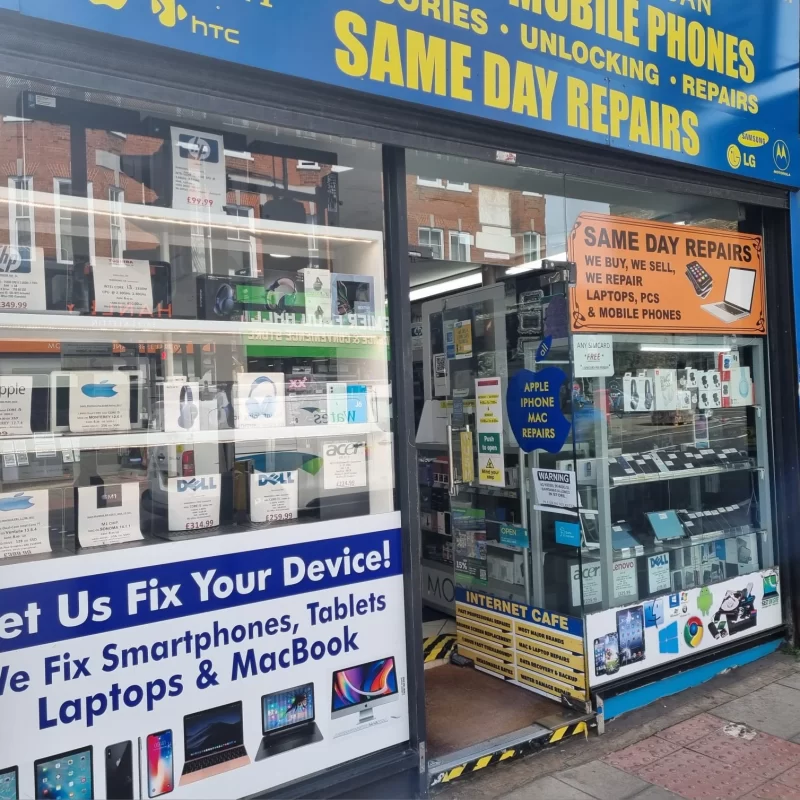
These tech repair insights and tips are written by the technicians at Archway Tech Repairs, the walk-in repair shop at 647 Holloway Road, London N19 5SE. Each guide answers one fault people ask us about – a cracked or flickering screen, a battery that drains, a phone that will not charge, a slow or overheating laptop – and says when it is time to bring the device in.
What do the Archway Tech Repairs guides cover?
The guides cover the faults customers bring to the shop most often, grouped by device and problem below so you can go straight to yours.
Who writes these repair guides?
The guides are written by the Archway Tech Repairs Technical Team – Device Repair Specialists – and reviewed by the same team. They are qualified and certified repair technicians with hands-on experience across phones, laptops, tablets, MacBooks and gaming devices, including in-store diagnostics and board-level motherboard work. The advice comes from the faults they see on the bench at 647 Holloway Road, not from a manufacturer.
When should I stop troubleshooting and bring my device in?
Bring it in when the simple checks in a guide have not fixed the fault, or straight away if the device has been in water, will not switch on, or shows lines, flicker or patches on the screen. In the shop:
- No appointment needed – walk in to 647 Holloway Road, near Archway Underground, or call 020 7263 0607 first.
- Free in-store check-up – a technician inspects the device and identifies the fault. Water-damaged devices are excluded from the free check-up and have separate terms.
- Cost before work – the repair options and expected cost are explained before any work starts, and if the cost changes once the device is opened, you are told before it continues.
- Same day for many common repairs – depending on the fault and parts availability; complex or parts-dependent jobs take longer.
Customers come from Archway, Highgate, Holloway, Tufnell Park and across North London. See directions and parking or use Quick Booking.
Tech repair tips: frequently asked questions
Can I fix the fault myself using these tips?
Some faults, such as a battery drained by settings or a slow laptop, can improve with the checks in a guide. Hardware faults – a damaged screen, charging port or board – need a repair; each guide says where that line is.
Is this blog from Apple or Samsung?
No. Archway Tech Repairs is an independent repair provider and is not affiliated with or endorsed by Apple Inc.
My fault is not covered here – who can I ask?
Call 020 7263 0607 or email info@archwaytechrepairs.co.uk and describe the fault, or bring the device to the shop for the free check-up (water damage excepted).
Is my water-damaged phone always repairable?
No. Not every water-damaged device can be saved, which is why water damage is excluded from the free check-up and has separate terms. Read what to do straight after dropping your phone in water and bring it in as soon as you can.
Repair times and costs vary depending on the device, extent of damage and availability of replacement parts. A repaired device may not retain its original manufacturer water-resistance rating.
Archway Tech Repairs, 647 Holloway Road, London N19 5SE. Phone: 020 7263 0607. Email: info@archwaytechrepairs.co.uk.