
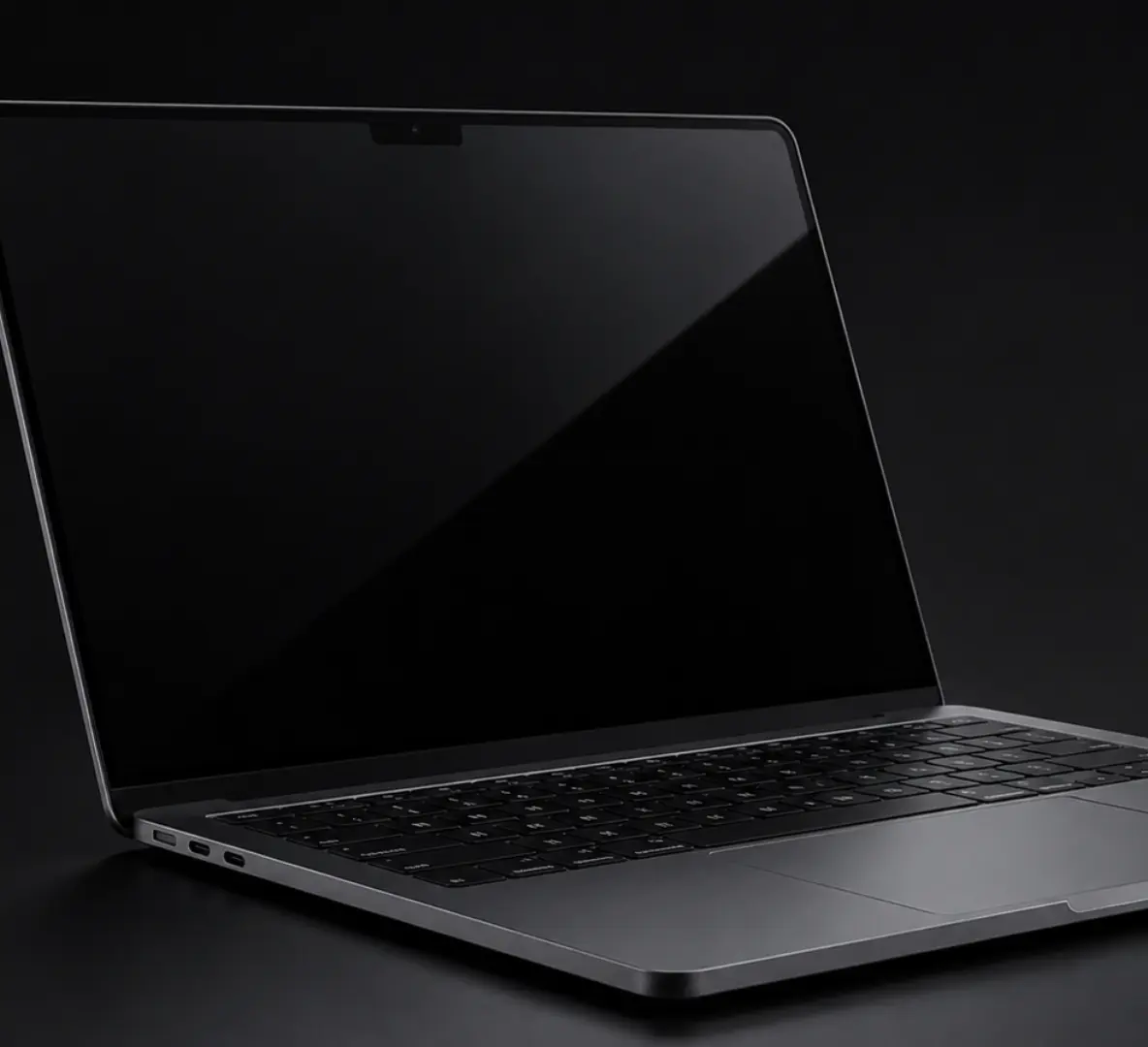
A faulty laptop can quickly disrupt work, study and everyday life. Whether you’re dealing with a cracked screen, battery issues, charging problems or a laptop that won’t turn on, finding a reliable repair service is often more cost-effective than replacing the device.
At Archway Tech Repairs, we provide professional laptop repair services for customers across London. Our technicians diagnose and repair a wide range of laptop faults, helping customers restore performance, protect important data and extend the lifespan of their devices.
From everyday home laptops to business machines and high-performance systems, we work with many leading brands and repair a wide variety of hardware and software issues.
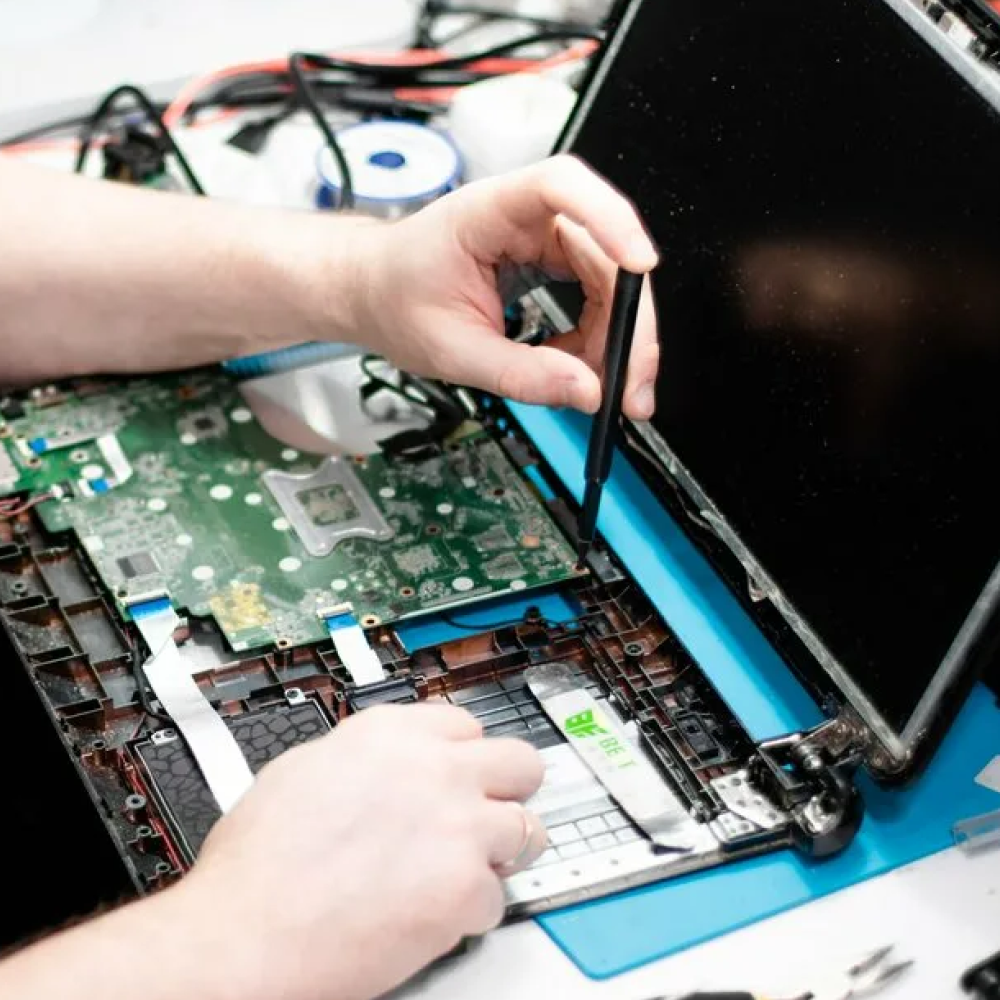
Common Signs Your Laptop Needs Repair
Laptop problems rarely appear overnight. Most devices show warning signs before a complete failure occurs.
Some of the most common symptoms include:
- Laptop running unusually slow
- Battery draining quickly
- Device overheating
- Charging problems
- Cracked or damaged screen
- Random shutdowns
- Loud fan noise
- Keyboard or trackpad issues
- Laptop not turning on
- Wi-Fi connectivity problems
Identifying these signs early can often prevent more serious and costly repairs later.
Laptop Screen Repair
A damaged laptop screen is one of the most common issues we see.
Screen damage can happen after accidental drops, pressure damage inside bags or everyday wear and tear. Even a small crack can eventually spread and affect usability.
Common screen problems include:
- Cracked displays
- Black spots
- Dead pixels
- Flickering screens
- Vertical or horizontal lines
- Dim displays
- Blank screens
Many customers assume a damaged screen means replacing the entire laptop. In reality, screen replacement is often a far more affordable solution.
Our technicians can assess the damage and recommend the most suitable repair option for your device.
Laptop Battery Replacement
Laptop batteries naturally lose capacity over time.
If your laptop no longer holds charge, powers off unexpectedly or requires constant charging, the battery may be reaching the end of its lifespan.
Common battery symptoms include:
- Rapid battery drain
- Unexpected shutdowns
- Battery not charging fully
- Swollen battery
- Overheating during charging
A failing battery can affect both performance and reliability. Replacing the battery can often restore portable use and improve day-to-day productivity.
Laptop Charging Port Repairs
A charging issue doesn’t always mean the battery is faulty.
Many laptops develop charging port problems due to repeated use, accidental cable strain or physical damage.
Signs of charging port failure include:
- Loose charging connection
- Charger only works at certain angles
- Intermittent charging
- Laptop not recognising the charger
- Device not charging at all
Our diagnostic process helps determine whether the issue is related to the charging port, battery, charger or internal power components.
Laptop Overheating Problems
Overheating is one of the most overlooked laptop issues.
While laptops naturally generate heat, excessive temperatures can lead to performance problems and long-term hardware damage.
Common signs include:
- Loud cooling fans
- Hot keyboard or base
- Slow performance
- Random shutdowns
- Reduced battery life
Overheating can be caused by:
- Dust build-up
- Blocked air vents
- Worn cooling fans
- Old thermal paste
- Internal hardware faults
Professional cleaning and maintenance can often restore proper cooling and prevent further damage.
Laptop Not Turning On
Few laptop faults are more frustrating than pressing the power button and getting no response.
A laptop that won’t turn on may be affected by:
- Battery failure
- Charging faults
- Motherboard issues
- Power circuit problems
- Liquid damage
- Internal component failure
Many customers assume their laptop is beyond repair when the problem may be limited to a specific component. Professional diagnosis is the best way to identify the cause and determine the most practical repair solution.
Laptop Brands We Repair
Our technicians work with a wide range of laptop manufacturers, including:
- HP
- Dell
- Lenovo
- ASUS
- Acer
- Samsung
- Microsoft Surface
- MSI
- Toshiba (Dynabook)
- Huawei
- LG
- Alienware
- Razer
- Gigabyte
If you’re unsure whether your laptop can be repaired, our team can assess the device and discuss the available options.
Our Laptop Repair Process
1. Device Assessment
We begin by discussing the fault and identifying any symptoms you’ve noticed.
2. Diagnostic Testing
Our technicians perform diagnostic checks to determine the root cause of the problem.
3. Repair Recommendation
We explain the issue, available repair options and any associated costs.
4. Professional Repair
Repairs are carried out using appropriate tools and replacement components.
5. Final Testing
The device is tested to ensure everything functions correctly before collection.
Why Choose Archway Tech Repairs?
Customers across London choose Archway Tech Repairs because we focus on practical repair solutions and honest recommendations.
Reasons customers trust our team include:
- Experienced technicians
- Free device diagnostics
- Fast turnaround times
- Support for multiple laptop brands
- Transparent repair recommendations
- Friendly customer service
- Convenient North London location
Our goal is to help customers maximise the lifespan of their laptops while avoiding unnecessary replacement costs.
Frequently Asked Questions
Is it worth repairing a laptop?
In many cases, yes. Common faults such as screen damage, battery issues and charging problems can often be repaired for significantly less than the cost of a replacement laptop.
How long does laptop repair take?
Repair times vary depending on the fault, parts availability and the specific laptop model. A diagnostic assessment helps provide a more accurate timeframe.
Can a cracked laptop screen be repaired?
Yes. Many cracked, flickering or damaged laptop screens can be replaced, restoring normal display functionality.
Why is my laptop overheating?
Overheating is often caused by dust build-up, blocked cooling systems, worn fans or thermal management issues.
Do you repair business laptops?
Yes. We repair laptops used for work, education, home use and business purposes.
Can I bring my laptop in without an appointment?
Yes. Customers are welcome to visit for a diagnostic assessment, although booking ahead may help reduce waiting times.
Contact us for fast and trusted device Fix.
Send Us a Message
Laptop repair by area
We repair from one workshop on Holloway Road, serving these North London areas.