
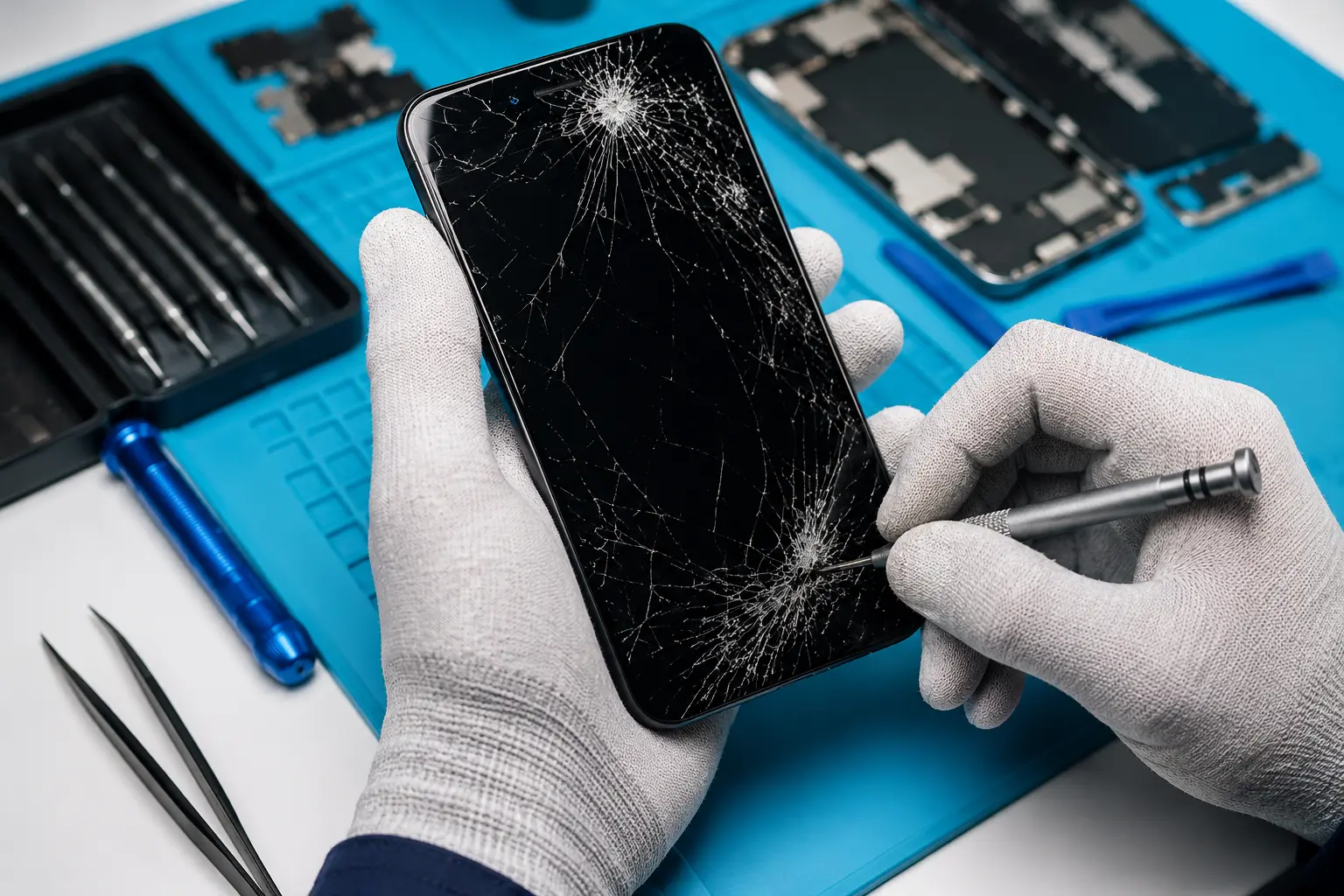
A damaged phone screen can make even the simplest tasks frustrating. Whether you’ve dropped your device, noticed flickering, or the touchscreen has stopped responding, prompt screen repair in London can help prevent further damage and restore your phone to full working order.
At Archway Tech Repairs, we provide professional screen repair services for a wide range of smartphones, using high-quality replacement parts and proven repair techniques. Many common screen repairs can be completed on the same day, helping you get back to using your device with minimal disruption.
Need your screen repaired today? Get in touch to book your same-day screen repair.
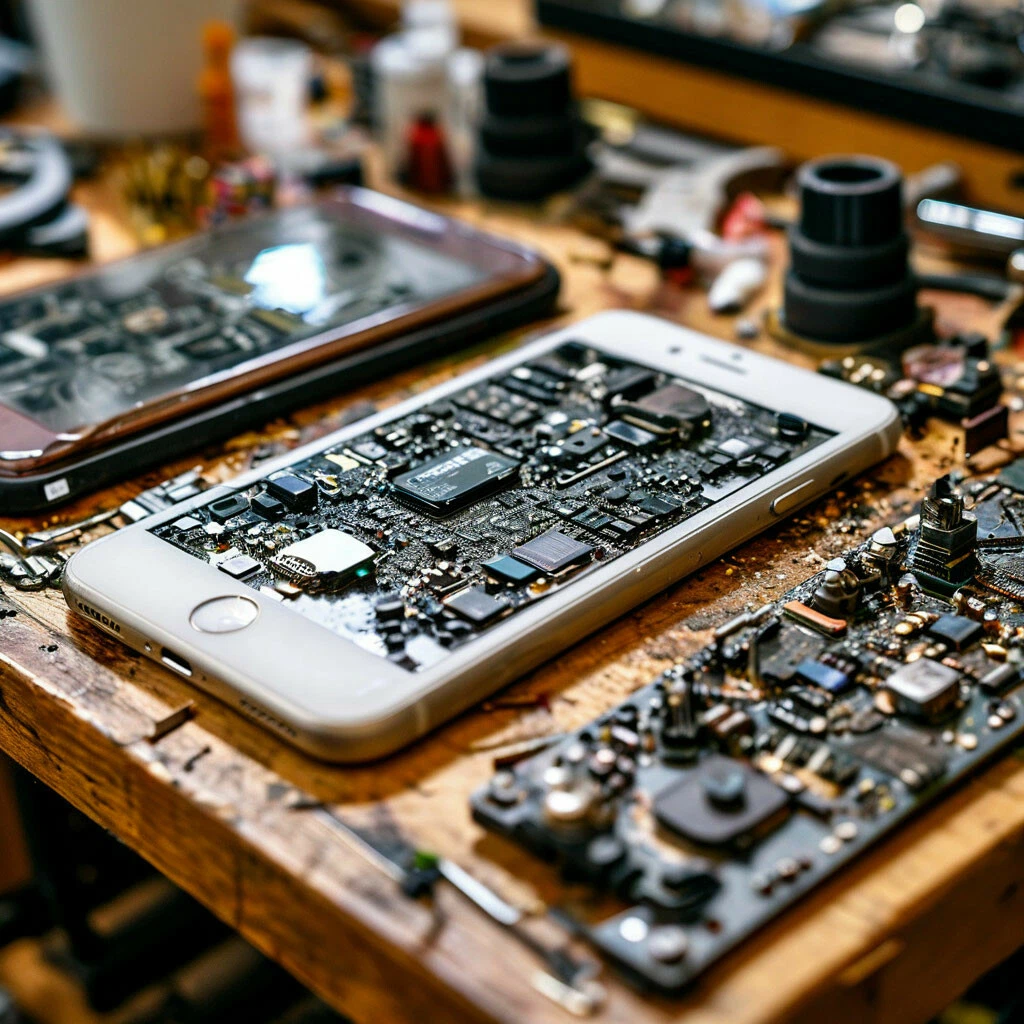
Can a Cracked Phone Screen Get Worse?
A small crack may seem harmless at first, but it can quickly spread with everyday use. Continued pressure on the damaged glass can affect the display underneath and lead to more expensive repairs if left untreated.
A cracked screen may result in:
- Reduced touchscreen sensitivity
- Black spots spreading across the display
- Flickering or flashing screens
- Moisture and dust entering the device
- Sharp edges that can cause cuts
- Damage to the LCD or OLED display
Repairing your screen early helps protect your phone from further damage and restores safe, reliable use.
Why Choose Only Professional Screen Repair?
Choosing a professional screen repair service helps ensure your phone is repaired correctly the first time. It not only restores your device’s performance but also reduces the risk of further damage caused by poor-quality repairs.
Benefits of professional screen repair include:
- Accurate diagnosis of the screen and display issue
- Quality replacement parts for reliable performance
- Restored touchscreen responsiveness and display clarity
- Safe repair using specialist tools and techniques
- Reduced risk of additional internal damage
- Thorough testing before your device is returned
Professional repairs help restore your phone’s functionality while giving you confidence that the repair has been carried out to a high standard.
Our Screen Repair Services
We provide screen repair solutions for many common display faults.
Cracked Screen Repair
Replacing broken or shattered glass to restore the appearance and usability of your phone.
LCD & OLED Screen Replacement
Repairing damaged displays showing black spots, coloured lines, flickering or no image.
Touchscreen Repair
Resolving issues where the screen becomes slow, inaccurate or completely unresponsive.
Black Screen Repair
Diagnosing whether the fault is caused by the display, internal connectors or other hardware components.
Display Flickering Repair
Repairing unstable displays caused by impact damage or failing screen components.
Whether your phone has minor cosmetic damage or a completely unusable display, we’ll recommend the most suitable repair based on its condition.
Our Screen Repair Process
We aim to make every repair straightforward and transparent.
1. Device Assessment
Your phone is inspected to identify visible and hidden screen damage.
2. Fault Diagnosis
We determine whether the issue affects the glass, touchscreen, LCD, OLED, or other internal components.
3. Professional Screen Replacement
The damaged screen is carefully removed and replaced using quality replacement parts.
4. Quality Testing
Before returning your device, we test the touchscreen, display quality, brightness, and other key functions to ensure everything works correctly.
Why Choose Archway Tech Repairs?
Choosing the right repair centre means trusting experienced technicians who understand modern smartphone displays and use reliable repair methods.
Our service includes:
- Experienced screen repair technicians
- Same-day repairs for many devices
- Repairs for most major smartphone brands
- Thorough fault diagnosis
- High-quality replacement parts
- Transparent pricing
- Friendly customer support
- Comprehensive testing before every repair is completed
Whether your screen has a minor crack or extensive display damage, we focus on providing dependable repairs that restore your device’s performance and help extend its lifespan.
Tips to Keep Your Phone Screen in Good Condition
Taking a few simple precautions can help protect your phone screen from everyday damage and reduce the likelihood of needing future repairs.
- Use a high-quality screen protector.
- Choose a durable protective case with raised edges.
- Avoid placing your phone in the same pocket as keys or coins.
- Keep your phone away from extreme heat and moisture.
- Hold your phone securely to reduce the risk of accidental drops.
- Clean the screen regularly with a soft microfibre cloth.
- Avoid applying excessive pressure to the display.
- Repair small cracks promptly before they spread.
Looking after your phone screen can help maintain its performance, improve its lifespan and reduce the risk of more costly repairs in the future.
Frequently Asked Questions
How long does a screen repair take?
Many screen repairs can be completed on the same day, although repair time may vary depending on the device model and the availability of replacement parts.
Can a cracked screen be repaired without replacing it?
This depends on the extent of the damage. Minor cracks affecting only the outer glass may have different repair options, but most modern smartphones require a complete screen replacement to restore full functionality.
Is it safe to keep using a cracked phone screen?
Using a cracked screen is not recommended. Cracks can spread, reduce touchscreen performance and allow dust or moisture to enter the device.
Do you repair screens for all phone brands?
Yes. We repair screens for many leading smartphone brands, including Apple, Samsung, Google Pixel, Huawei, Xiaomi, Motorola, OnePlus, Sony and others.
Will I lose my data during a screen repair?
Most screen replacements do not affect your personal data. However, backing up important files before any repair is always recommended whenever possible.
How do I know if my LCD or OLED is damaged?
Signs include black spots, coloured lines, flickering, display discolouration or a completely black screen, even though the phone remains powered on.
Is it worth repairing a broken phone screen?
In most cases, yes. Replacing a damaged screen is often far more affordable than purchasing a new smartphone and helps extend the life of your device.
Do I need to book an appointment?
Walk-ins are welcome, but booking ahead can help reduce waiting times and ensure your repair can begin as soon as possible.
Get Your Screen Repaired Today
A cracked or damaged screen doesn’t have to stop you using your phone. Whether you need a simple screen replacement or a repair for a damaged display, Archway Tech Repairs provides professional screen repair in London with fast turnaround times, quality workmanship and reliable service.
Book your screen repair today and let our technicians restore your phone’s display to its best condition.
Contact us for fast and trusted device Fix.
Send Us a Message
Phone screen repair by area
We repair from one workshop on Holloway Road, serving these North London areas.